
GivePay

GivePay Payments + AI

Get paid faster. Follow up sooner. Grow without adding more busywork.

Accept payments with Square or Clover. Add AI assistants that answer, sell, schedule, follow up, and connect to the tools your team already uses.

Real estate operating stack

Real estate AI captures the lead and moves the payment workflow forward.

Use GivePay AI for showings, rent reminders, owner updates, and REINAI-style outbound follow-up. Pair it with Square or Clover payment acceptance where the workflow needs deposits, service payments, or rent-related checkout.

Answers phones

Schedules showings

Sends rent reminders

QuickBooks + Rent Manager

HighLevel lead updates

REINAI property follow-up

Business outcomes

Payments collect the revenue. GivePay AI keeps the next customer moving.

Pick the payment stack that fits the business, then add AI for the calls, bookings, order questions, promotions, scheduling, and follow-up that decide growth.

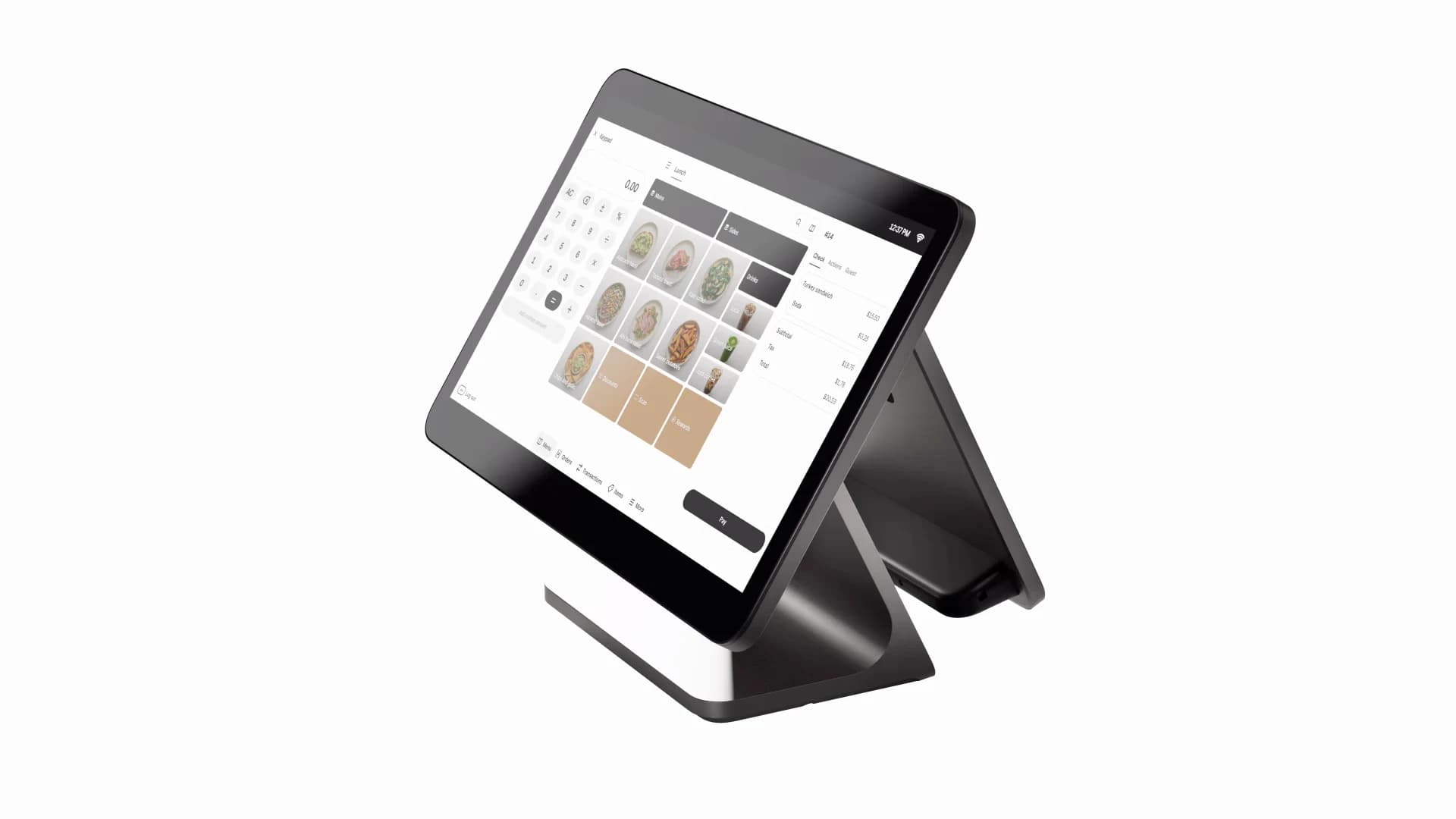
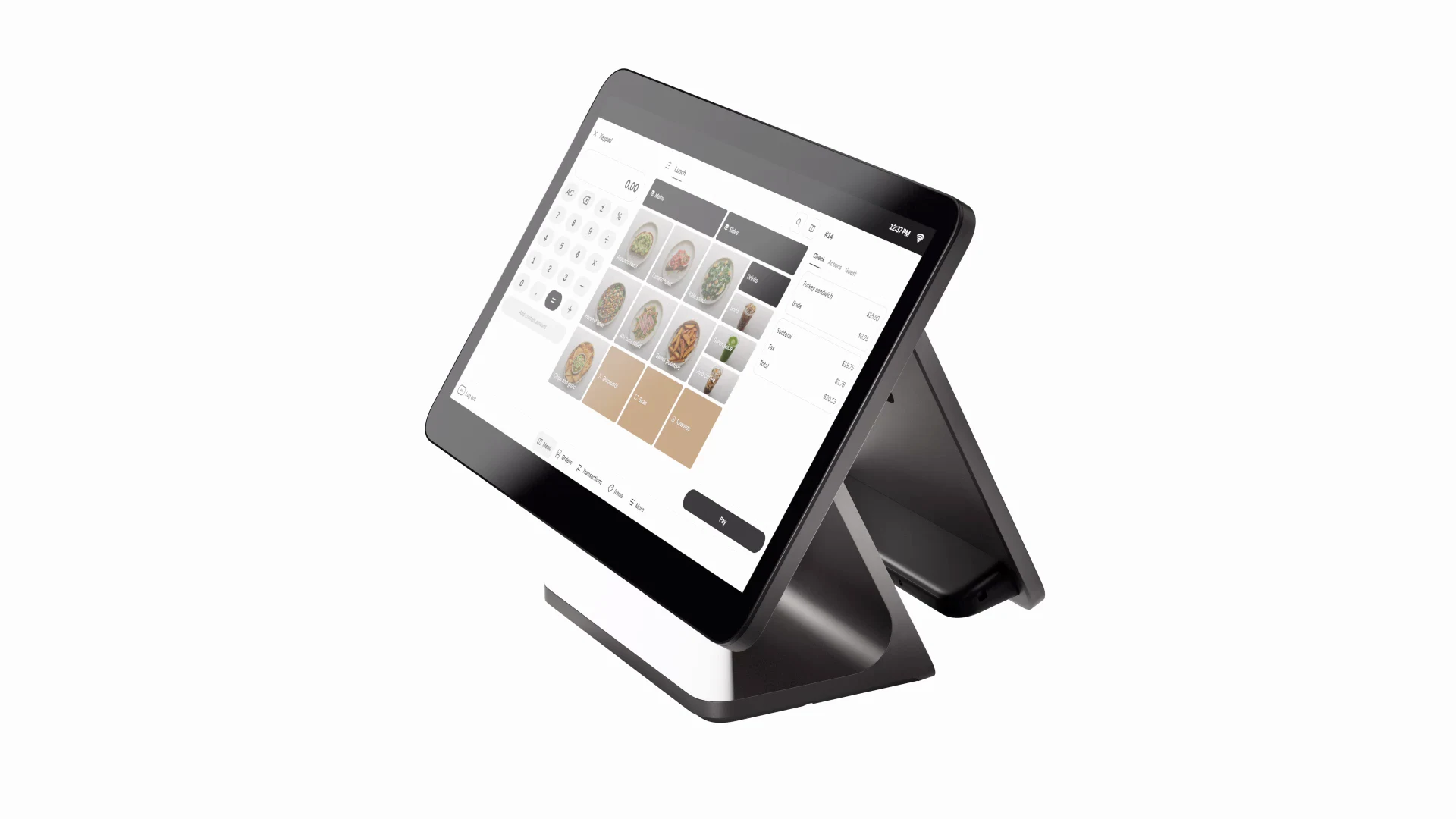
Restaurant Clover POS workflow with GivePay AI support

Restaurants

More reservations, faster table turns, smoother kitchen handoff.

AI answers
Clover or Square POS
Reviews and promos
Square Register checkout for retail customer flow

Retail

More foot traffic, cleaner inventory flow, connected online sales.

Product answers
Counter checkout
Loyalty follow-up
Salon AI booking and customer follow-up service

Salons

Online booking, fewer missed calls, more repeat appointments.

AI books
Tips and checkout
Review requests
Contractor service call workflow with scheduling and payment handoff

Contractors

Better scheduling, cleaner estimates, less back-office drag.

Call intake
Mobile payments
QuickBooks handoff
Ecommerce storefront support with AI order assistance

Ecommerce

Premium storefronts, order support, SEO and AI-search visibility.

Shopper Q&A
Online checkout
Order updates
Real estate AI lead capture and showing workflow

Real Estate

Showings, lead qualification, rent payments, and ops at scale.

Voice AI
Payments
Command center

How to get started

Choose the product. Follow one clear next step.

Every marketplace result opens the right setup wizard, secure checkout, or provider application so you always know what happens next.

Real estate business desk with AI command center and payment follow-up workflow

Human plan, AI follow-through

GivePay connects calls, bookings, payments, business tools, and staff follow-up around the results you want.

FAQ

Key buying facts before checkout.

GivePay complements Square and Clover, keeps vendor pricing clear before checkout, and gives every purchase a clear setup path.

GivePay works alongside Square and Clover.

No. GivePay helps businesses choose and start with Square or Clover, then bundles custom AI assistants, agents, and voice workflows around the payment launch.

Square and Clover pricing stays provider-confirmed.

Use GivePay pricing pages for guidance, then confirm account, pricing, taxes, hardware, and processing details with Square or Clover before activation.

AI launch starts with business context.

GivePay collects your website, goals, tools, files, voice preferences, payment solution, and approval rules before building the first launch version.

Get started

Search once. Find the right payment or AI product.

Compare Square, Clover, $9.99 HighLevel Agents, connected AI Assistants, and AI Manager Command Centers from one organized marketplace.

Retail checkout with POS and AI follow-up support

Payments plus automation

Start with a checkout path, then add the AI agent that keeps the next customer moving.