
01
Demos
GivePay AI Demo Library
See the AI + payments workflow before you apply.
Watch how GivePay AI answers the customer, moves the work into the right tool, and connects the next payment, booking, quote, order, or follow-up step.
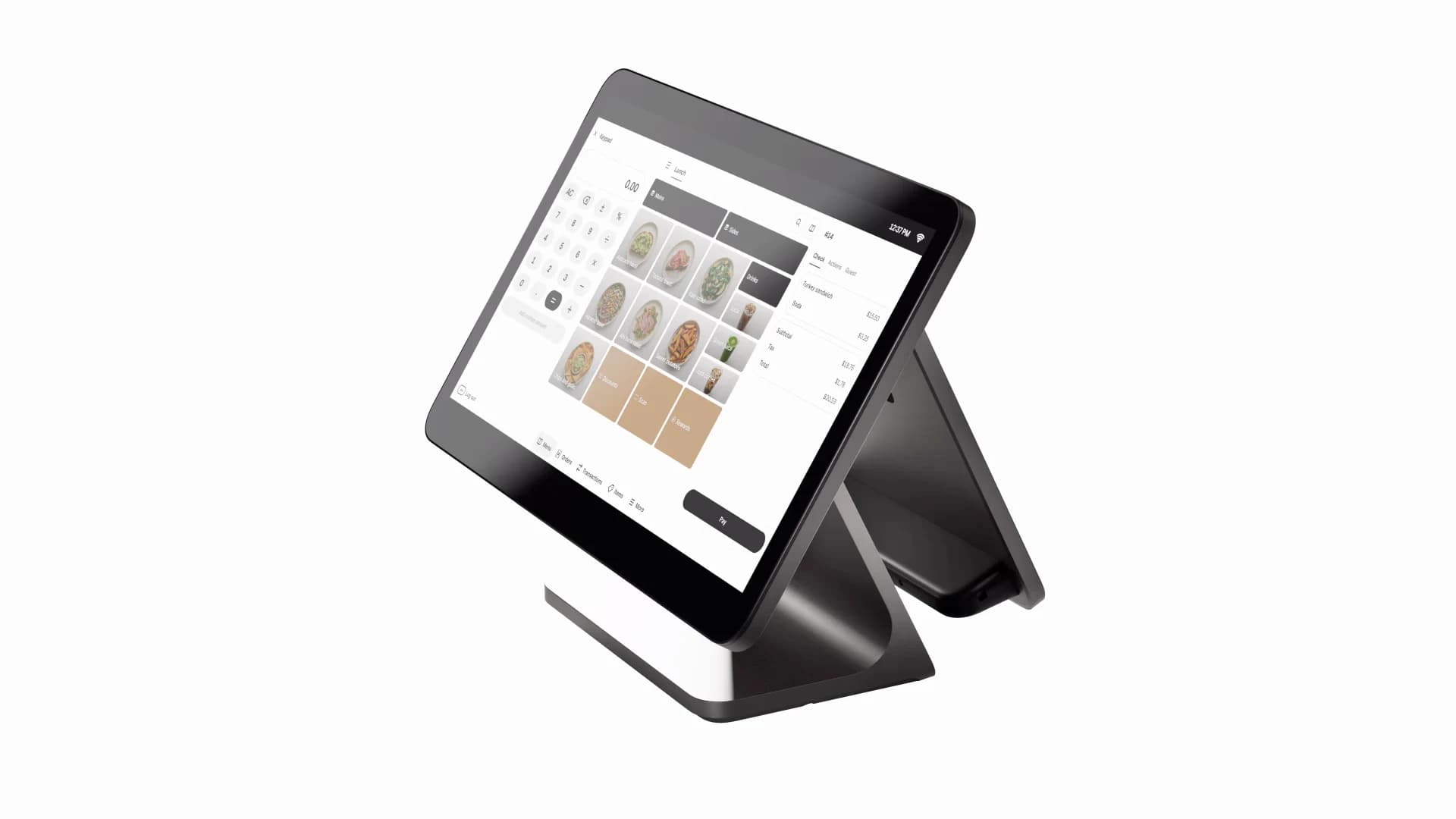
See the workflow
Preview customer conversations, staff handoffs, and the payment moments GivePay can connect.
02
AI answers using the business information you select.
03
AI captures intent, contact details, and next-step context.
04
GivePay sends the next step to the calendar, email, CRM, payment process, or the right teammate.

Industry demo preview
Real estate AI captures the lead, books the showing, and keeps the deal moving.
AI + payments demo
Real Estate AI and Payments
A buyer scans the sign, asks for details, and an AI voice assistant schedules the showing while payments and owner follow-up stay connected.
- Learn more and schedule showing from the yard sign.
- Gigi-style voice assistant qualifies the buyer and books the meeting.
- Rent, deposits, or service payments route through the right checkout workflow.

Industry demo preview
Restaurant AI handles the call while Clover or Square keeps service moving.
AI + payments demo
Restaurant AI and POS Payments
AI answers reservation and menu calls, staff creates the check, and handheld POS checkout turns tables faster.
- GivePay AI automates reservations and catering questions.
- Clover Dining is designed for busy restaurant teams.
- Clover Flex handhelds speed checkout and reduce payment friction.

Industry demo preview
Contractor AI turns calls into booked estimates and clean payment next steps.
AI + payments demo
Contractor and Home Remodeling AI
Trade-specific agents ask scope questions, schedule estimates, summarize calls, and support deposits or invoices.
- AI collects job type, location, photos, and urgency.
- The schedule handoff moves qualified leads to the calendar.
- Square or Clover supports deposits, mobile checkout, and invoice workflows.

Industry demo preview
Salon and spa AI books clients, answers service questions, and supports checkout.
AI + payments demo
Salon, Spa, and Fitness AI
AI handles missed calls and service questions while Square or Clover supports tips, receipts, and appointment-friendly payments.
- AI explains services, timing, and booking rules.
- The client gets routed back into booking instead of going cold.
- Payment and review follow-up happen after the visit.
Industry demo preview
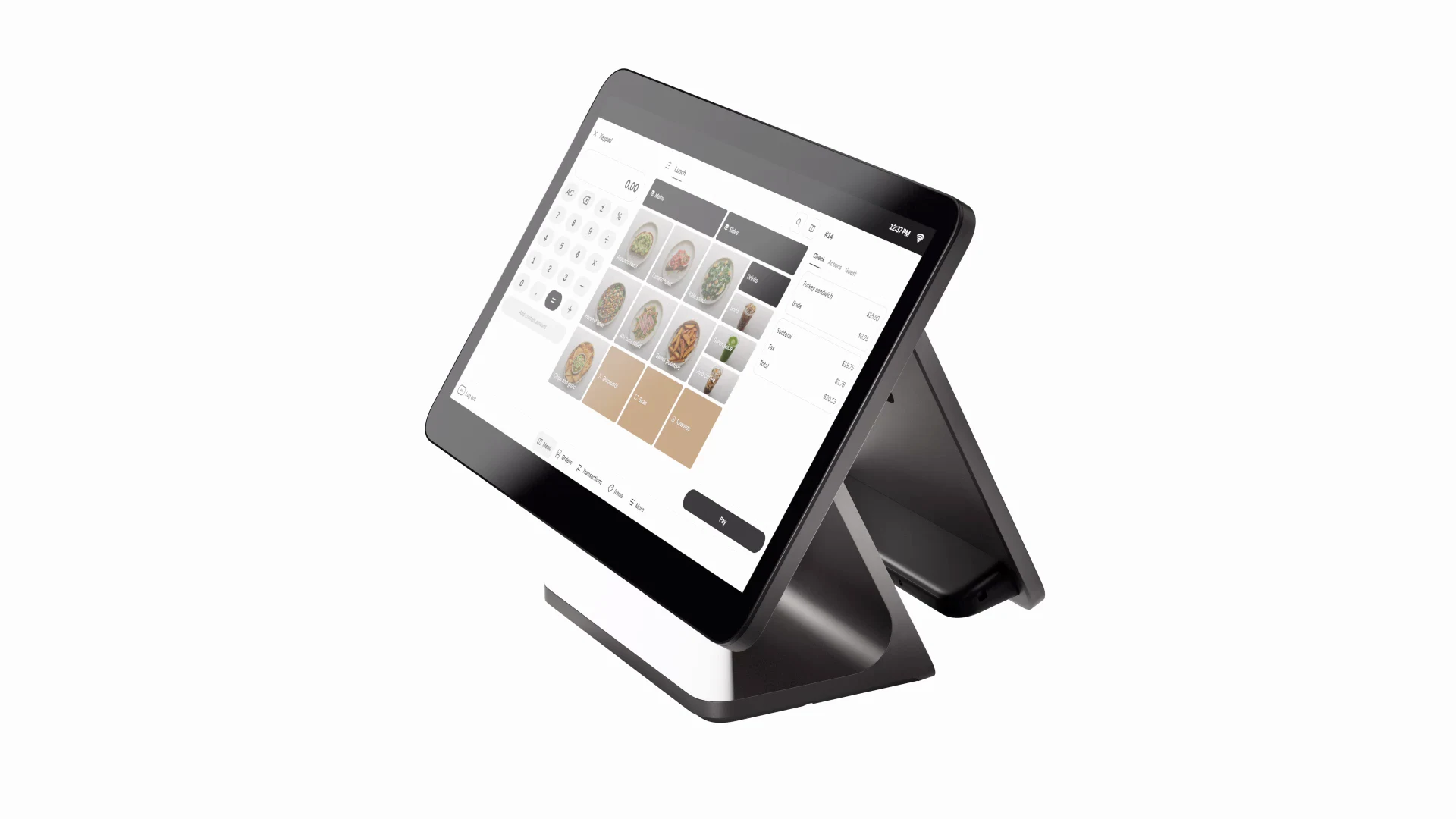
Retail AI answers product questions and turns checkout into follow-up.
AI + payments demo
Retail AI and POS Payments
Customers get faster answers, staff gets cleaner handoff, and POS checkout can trigger loyalty, coupon, and support workflows.
- AI answers availability, gift, and sizing questions.
- Square Register (2nd generation) or Clover Station supports a polished checkout.
- Customer support, loyalty, and offers continue after payment.

Industry demo preview
Ecommerce AI guides shoppers from product questions to checkout.
AI + payments demo
Ecommerce AI and Payments
AI supports product discovery, order questions, payment-link guidance, abandoned questions, and retention follow-up.
- AI helps shoppers choose products and find the right fit.
- Payment links, online checkout, and order support stay connected.
- Follow-up captures unanswered questions and return buyers.

Industry demo preview
Accounting AI organizes payment activity, documents, and client follow-up.
AI + payments demo
Accounting AI and Payment Workflows
AI helps route client questions, summarize payment activity, organize receipts, and keep QuickBooks-aware tasks moving.
- Receipts and files get summarized for the next review.
- Square or Clover activity can feed back-office follow-up.
- Questions, checklists, and next steps move to the right inbox.